
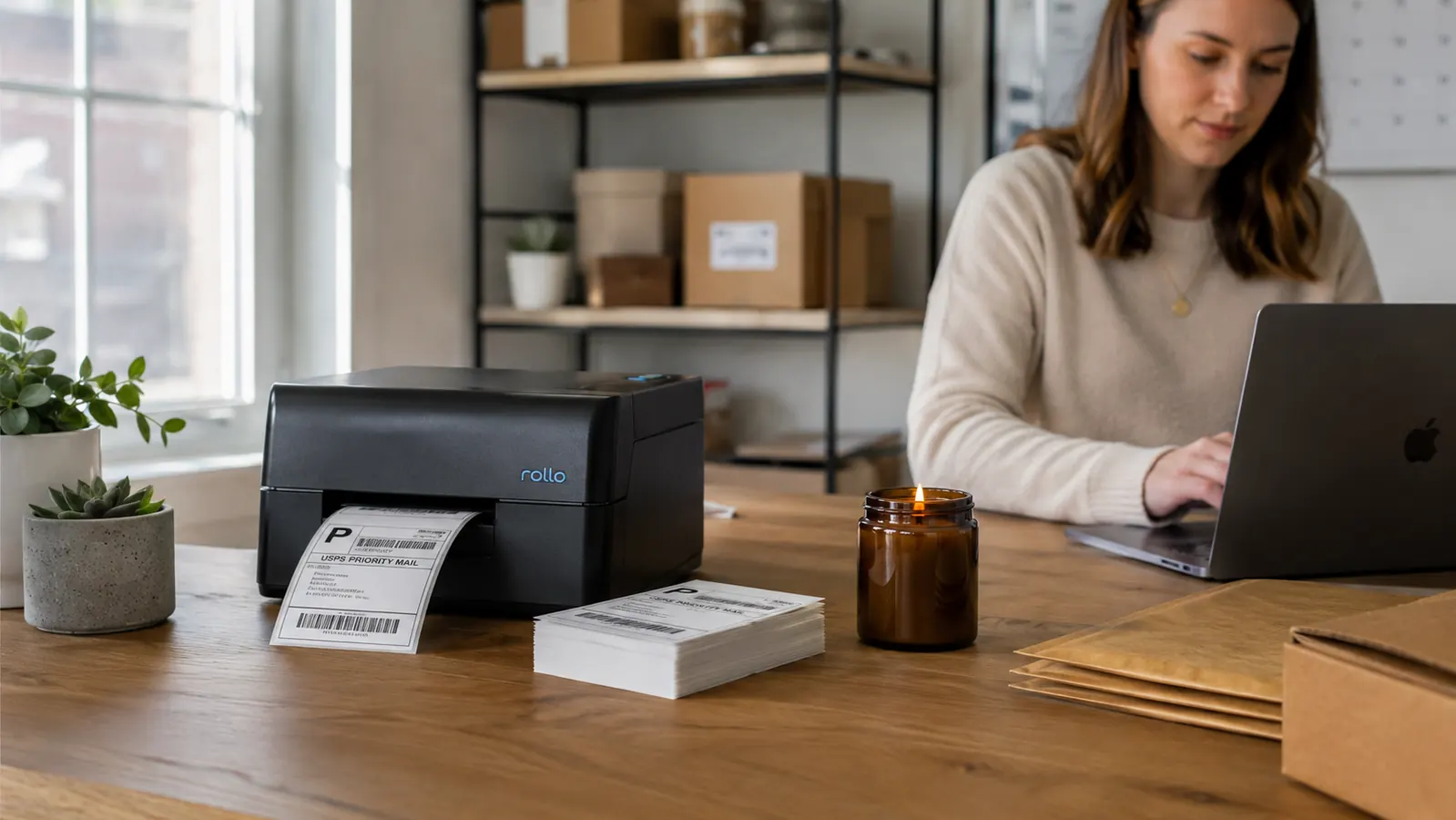
If you are shipping ten or more orders a week and still printing labels on regular paper, cutting them, and taping them to boxes, you are losing at least two to three hours every week you will never get back. The fix is a dedicated 4x6 thermal label printer. The question most sellers land on is simple: Rollo or DYMO LabelWriter 4XL? I have used both setups running an ecommerce operation that ships roughly 80 packages a week across Amazon Seller Central, Etsy, and eBay. Here is the straight comparison.
The short answer: Rollo wins for most ecommerce sellers. It handles any 4x6 label roll you feed it, requires no proprietary label stock, has no driver installation headaches on modern operating systems, and costs less per label printed over time. DYMO has its place for small-volume users who primarily print address labels and barcodes in smaller formats, but for 4x6 shipping labels at any real volume, DYMO loses on cost and flexibility. The rest of this breakdown explains exactly where each one wins and where it falls short.
| Rollo Label Printer | DYMO LabelWriter | |
|---|---|---|
| Label Size (Max) | 4 x 6 inches | 4 x 6 inches |
| Print Speed | Up to 150 mm/sec (approx. 4 labels/min at full speed) | Up to 53 labels/min (smaller labels); slower on 4x6 |
| Label Stock Requirement | Any standard 4x6 thermal roll; no proprietary stock | DYMO-branded rolls required for guaranteed compatibility |
| Cost Per Label (Approx.) | ~$0.03-$0.05 using third-party rolls | ~$0.08-$0.12 using DYMO-branded rolls |
| Driver / Software Required | Plug-and-play on Mac and Windows; no driver install needed | Requires DYMO Connect software installation |
| Platform Compatibility | USPS, UPS, FedEx, Amazon, Etsy, eBay, Shopify, ShipStation | USPS, UPS, FedEx; limited direct integration with Etsy and eBay |
| Connection Type | USB (wired) | USB (wired) |
| Printer Weight | 2.6 lbs | 3.9 lbs |
| Current Price Range | ~$199 | ~$220-$250 |
Where Rollo Wins
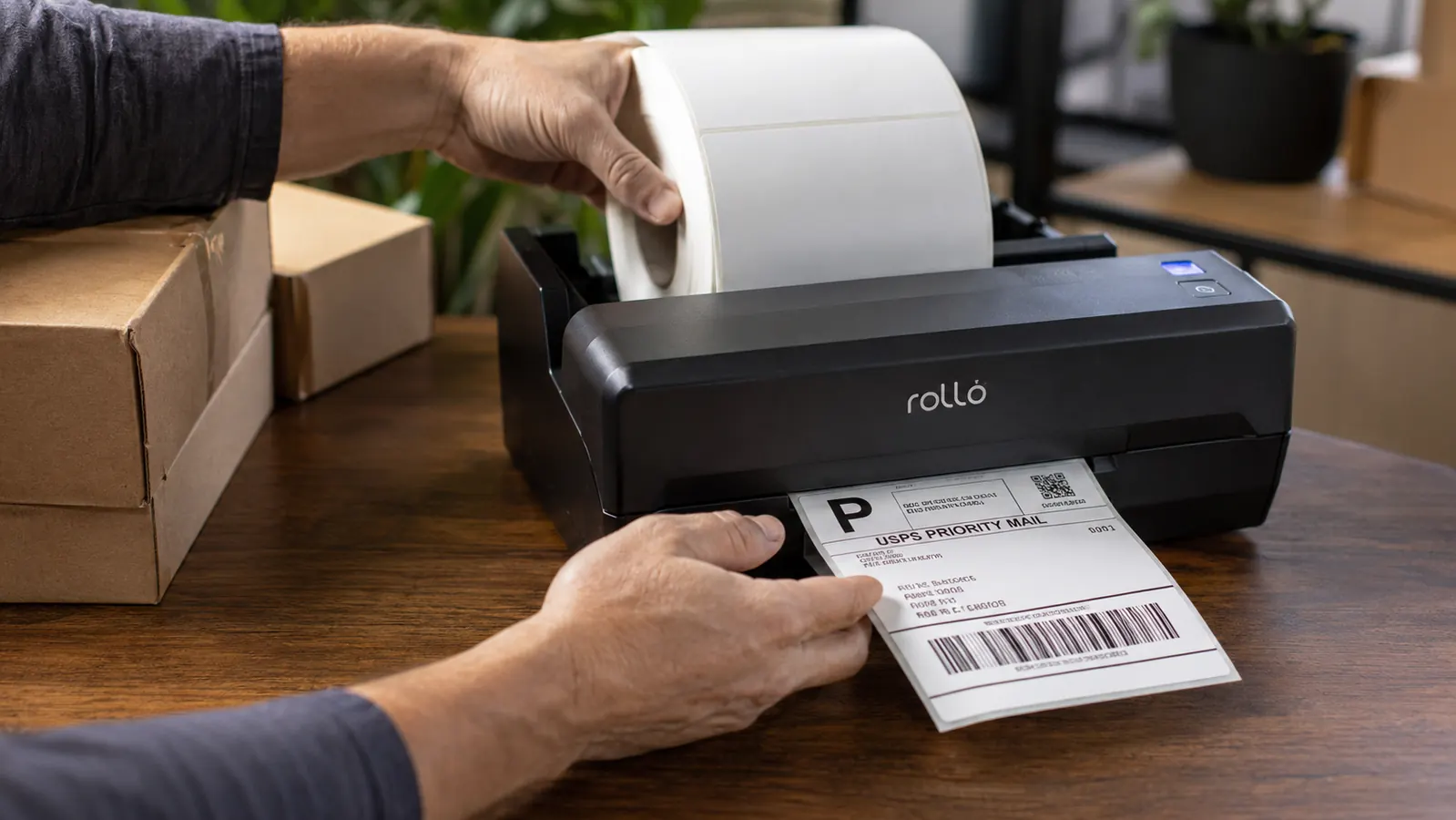
The biggest practical advantage Rollo has over the DYMO LabelWriter 4XL is label flexibility. Rollo accepts any standard 4x6 direct thermal roll you can source in bulk. You can buy 500-count rolls of direct thermal labels from third-party suppliers for well under $20, which works out to roughly three to five cents per label. That is not a trivial difference if you are printing 80 labels a week. At DYMO's branded roll pricing, you are paying two to three times more per label, and that gap compounds fast over a year of shipping.
The second win is setup simplicity. Rollo is genuinely plug-and-play on both Mac and Windows. You connect the USB cable, load a roll, and your shipping platform finds the printer immediately. I set it up in under four minutes the first time, including loading the first roll and running a test print from Etsy. DYMO requires you to install DYMO Connect software, and depending on your OS version you may hit compatibility snags, especially on newer Macs running recent versions of macOS. For a tool that is supposed to save you time, starting with a software installation and troubleshooting session is not the right first impression. Rollo skips all of that.
Tired of paying twice as much per label and fighting driver software? Rollo cuts both problems.
The Rollo USB Thermal Printer works with Amazon, Etsy, eBay, Shopify, ShipStation, and every major carrier. Plug it in, load any standard 4x6 roll, and you are printing in under five minutes.
Amazon Check Today's Price on Amazon →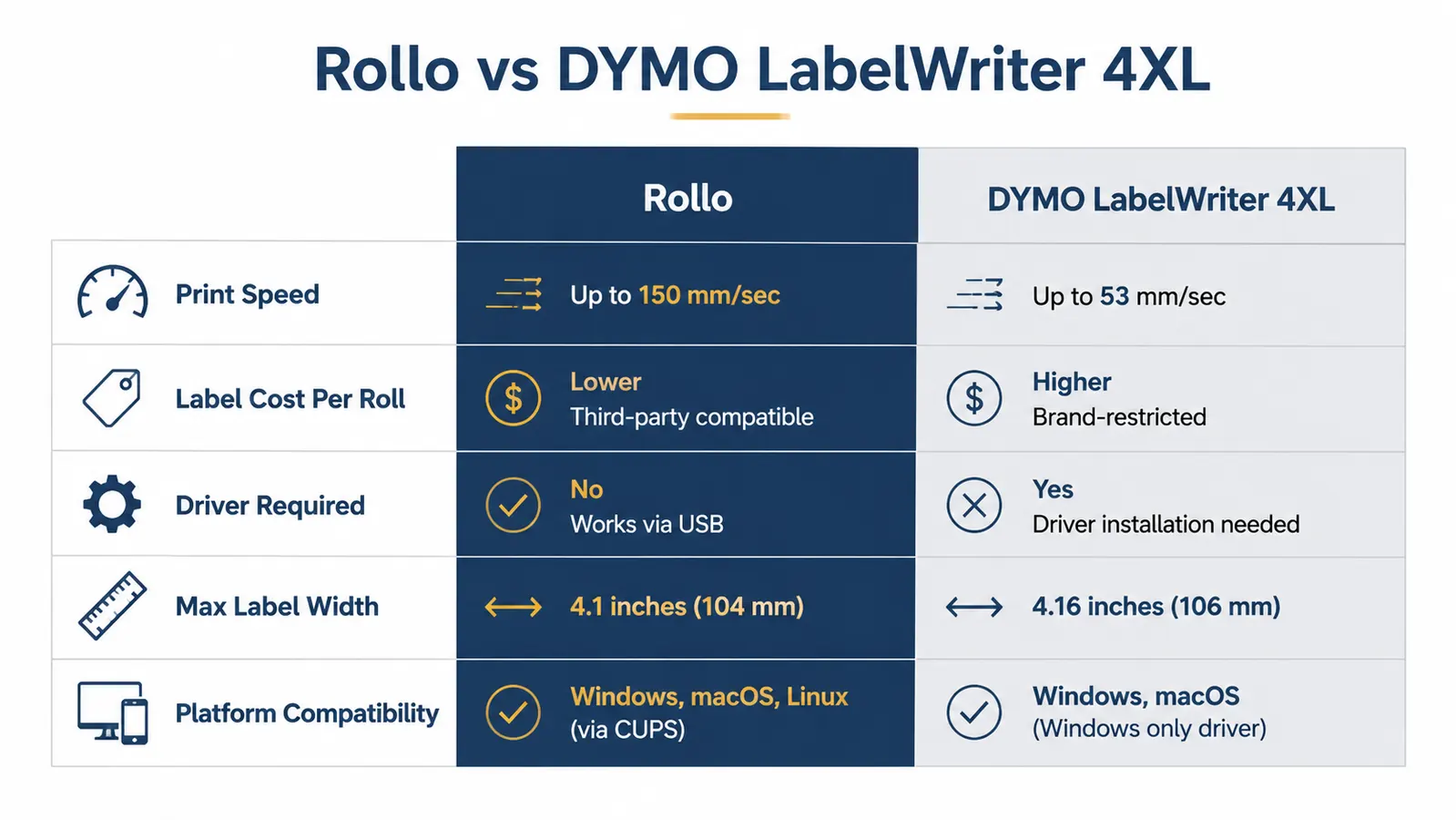
Where DYMO LabelWriter Wins
DYMO holds its ground for sellers who need to print smaller label formats alongside shipping labels. The LabelWriter 4XL is part of a larger DYMO ecosystem that includes address labels, file folder labels, name badges, and barcode labels in sizes well below 4x6. If your operation requires you to label inventory items, print barcodes for a retail shelf, or produce address labels for standard envelopes alongside your shipping output, DYMO Connect gives you that flexibility in one software environment. Rollo is purpose-built for 4x6 and does not expand easily into smaller label territory.
DYMO also has a longer brand history, and some larger enterprise shipping operations already have DYMO integrated into their workflow. If you are joining an existing operation that is already standardized on DYMO hardware and has DYMO Connect configured across multiple machines, switching to Rollo creates friction rather than removing it. In that narrow scenario, sticking with DYMO makes operational sense even if the per-label cost is higher.
Over a year of shipping 80 packages a week, the label cost difference between Rollo and DYMO branded rolls adds up to over $200. That is money sitting on the table for no reason if all you print is 4x6 shipping labels.
Who Should Buy Which
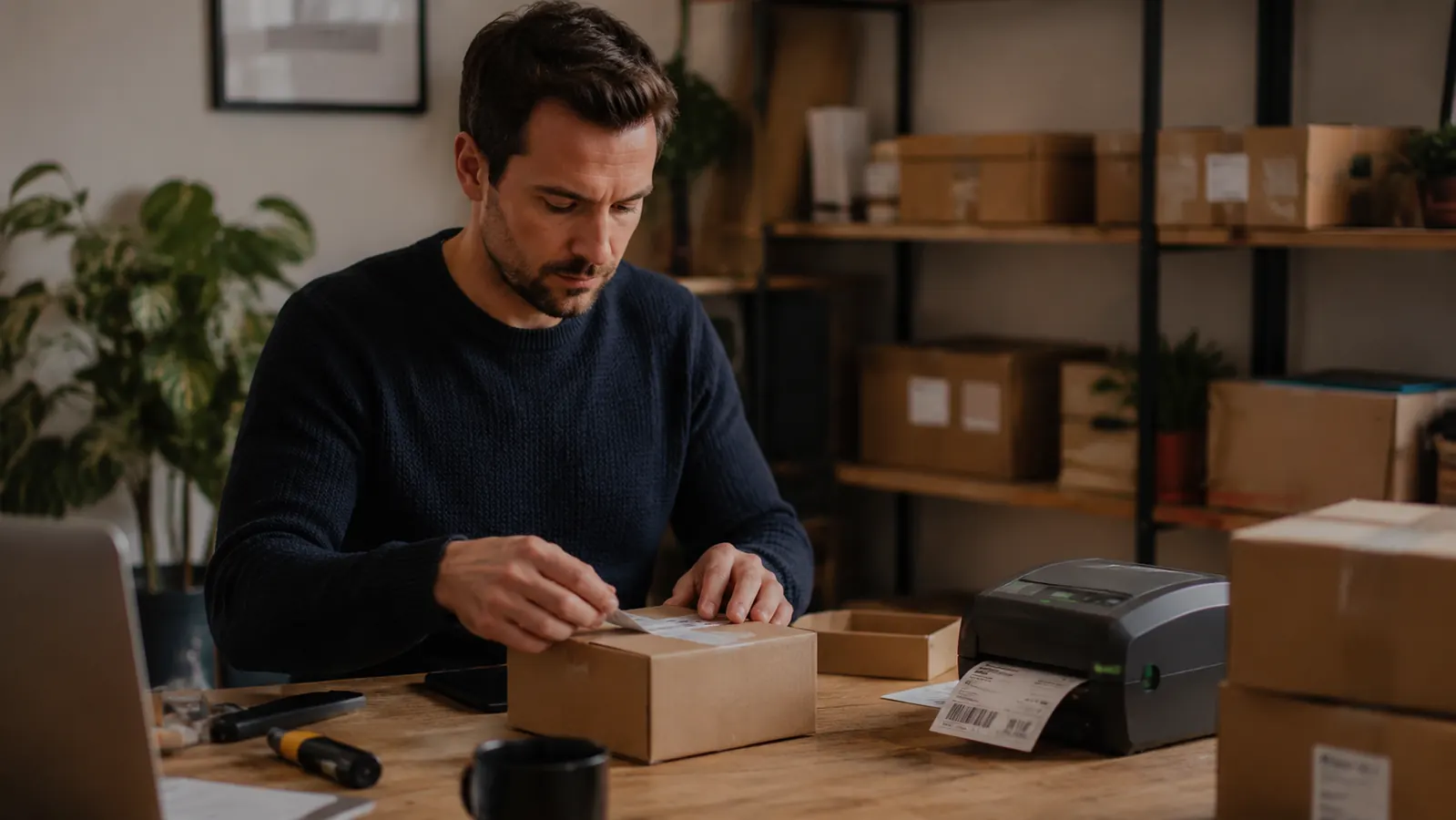
Buy the Rollo if you primarily print 4x6 shipping labels and you sell on any combination of Amazon, Etsy, eBay, Shopify, or through a shipping platform like ShipStation or Pirateship. This covers the vast majority of ecommerce sellers at any volume level. Rollo's no-driver setup, open label stock compatibility, and tight integrations with every major carrier and marketplace make it the cleaner, lower-cost choice from day one. The 4.6 star rating and over 16,000 reviews on Amazon reflect that this is not a niche preference, it is a category consensus.
Consider DYMO LabelWriter 4XL only if you need a multi-format label printing ecosystem, not just 4x6 shipping labels. If you run a retail store or warehouse that requires barcodes, file labels, and shelf tags alongside shipping labels, the DYMO Connect software suite justifies the higher label cost through its broader format support. For a pure ecommerce shipping setup, DYMO's proprietary label requirement and software dependency are costs with no corresponding benefit.
One more thing worth naming: Rollo has a wireless version as well if your shipping station is not near your computer. The USB model reviewed here is the most popular, and for most setups it is all you need. If you want to learn more about real-world performance over time, the full six-month review covers daily use details and what to expect after the first few thousand labels. The honest review covers what most buyers do not think to ask about before they order.
If you ship 4x6 labels on Amazon, Etsy, or eBay, Rollo is the straightforward answer.
Commercial-grade thermal printing, no driver hassle, works with any standard 4x6 label roll. Over 16,000 sellers agree on this one.
Amazon Check Today's Price on Amazon →